 Faruk Ur Rahman
Why Meta shows more purchases than Shopify
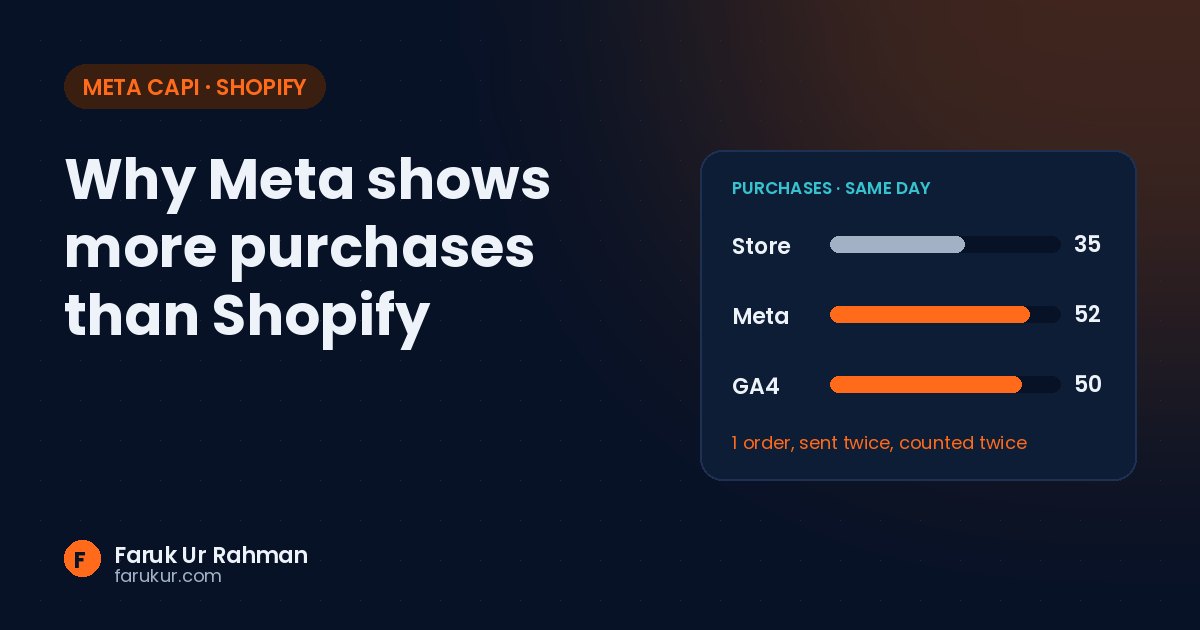
Shopify says 35 orders. Meta says 52. Your client wants to know which one is lying.
Usually neither. They count different things, on different dates, and sometimes the same order twice. Here are the five causes I check first, in the order I check them.
1. Pixel and CAPI aren't deduplicating
This is the most common one. When a purchase is sent from the browser (Pixel) and from the server (Conversions API), Meta only merges them if both carry the same event_name and the same event_id. If the IDs are missing or different, Meta counts two purchases.
How to check: open Events Manager → Purchase → look at the deduplication details. Then place a test order and compare the event_id from the browser (Network tab, request to facebook.com/tr) with the one your server sends.
// Use the order ID on both sides
browser: fbq('track', 'Purchase', {...}, { eventID: 'order_1042' })
server:  { "event_name": "Purchase", "event_id": "order_1042", ... }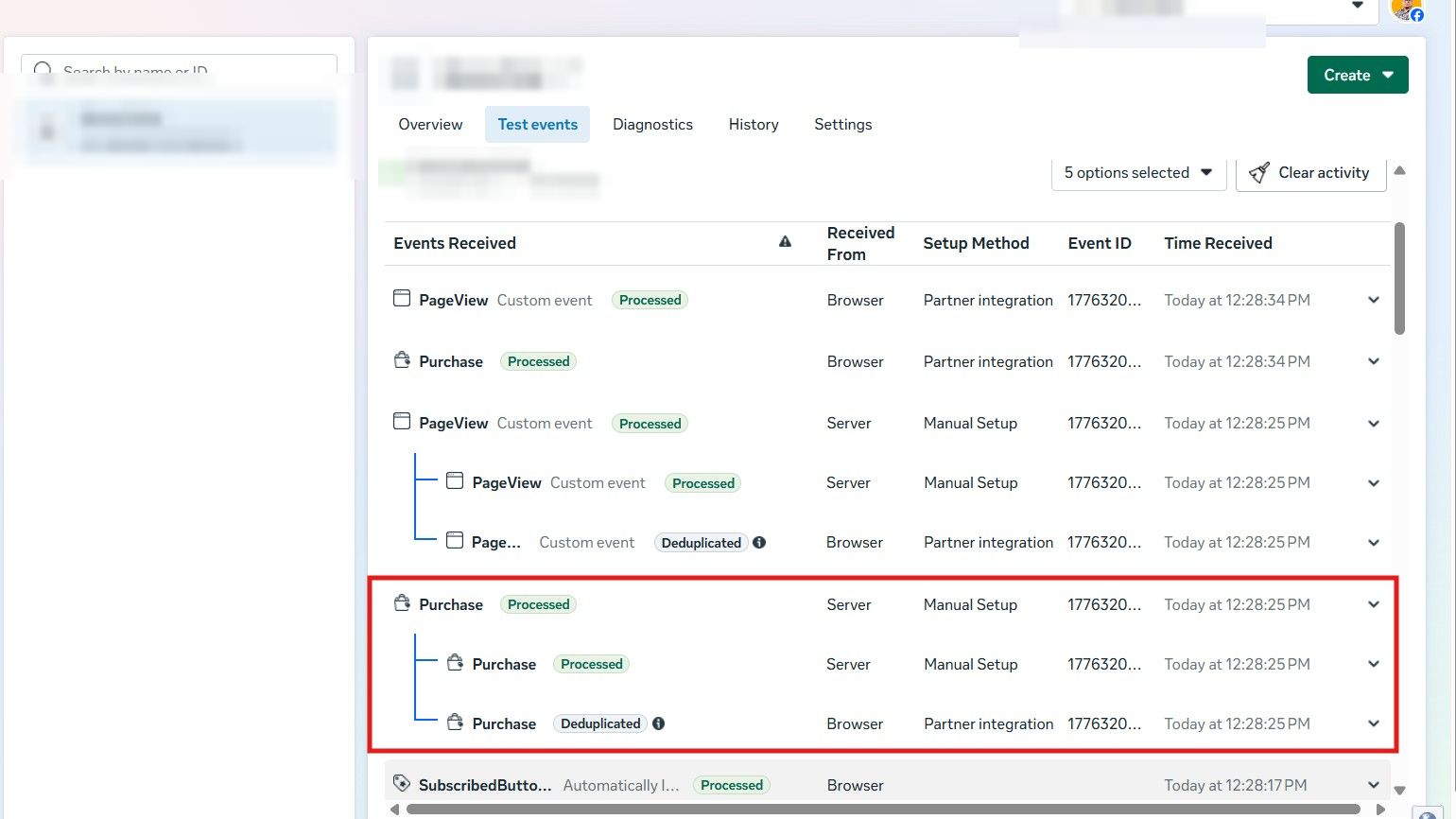
2. View-through conversions
Meta's default attribution includes 1-day view. Someone sees your ad, doesn't click, buys later from Google search, and Meta still claims the sale. Google Ads may claim it too. Shopify counts it once.
How to check: in Ads Manager, use Compare attribution settings and look at 7-day click only. If the gap mostly closes, the difference is attribution, not tracking.
3. Different reporting dates
Shopify reports a sale on the day the order was placed. Meta Ads Manager reports it on the day of the ad impression or click. A sale on Monday from an ad clicked last Thursday shows up on different days in each tool, so daily numbers rarely match even when the setup is perfect.
How to check: compare a full 30-day window instead of single days.
4. Purchases firing on the wrong page
Thank-you page reloads, customers revisiting the order status page, or a theme app firing a second Purchase. Each one can send an extra event.
How to check: take 20 recent Shopify order IDs and search for them in your server logs or sGTM preview. Any order ID that appears twice is a duplicate.
5. Test and cancelled orders
Bogus gateway tests, staff orders and orders cancelled after checkout all reach Meta. Shopify's analytics can exclude them. Meta can't.
| Cause | Inflates | Fix |
|---|---|---|
| No shared event_id | Meta | Send order ID as event_id on Pixel and CAPI |
| View-through | Meta | Report on 7-day click for comparisons |
| Reporting date | Daily views | Compare 30-day totals |
| Duplicate fires | Meta, GA4 | Fire once per order ID |
| Test orders | Meta, GA4 | Filter in GTM before sending |
What a healthy setup looks like
After fixing these, I expect Meta to sit close to Shopify on 7-day click, with the extra coming from view-through. Event Match Quality on Purchase should be high because you're sending email, phone, fbp and fbc with every server event. On a recent store, that put Purchase at 9.3 out of 10.
Short version: check deduplication first. It's the only cause on this list that's a real error rather than a reporting difference, and it changes what Meta's algorithm optimizes for.